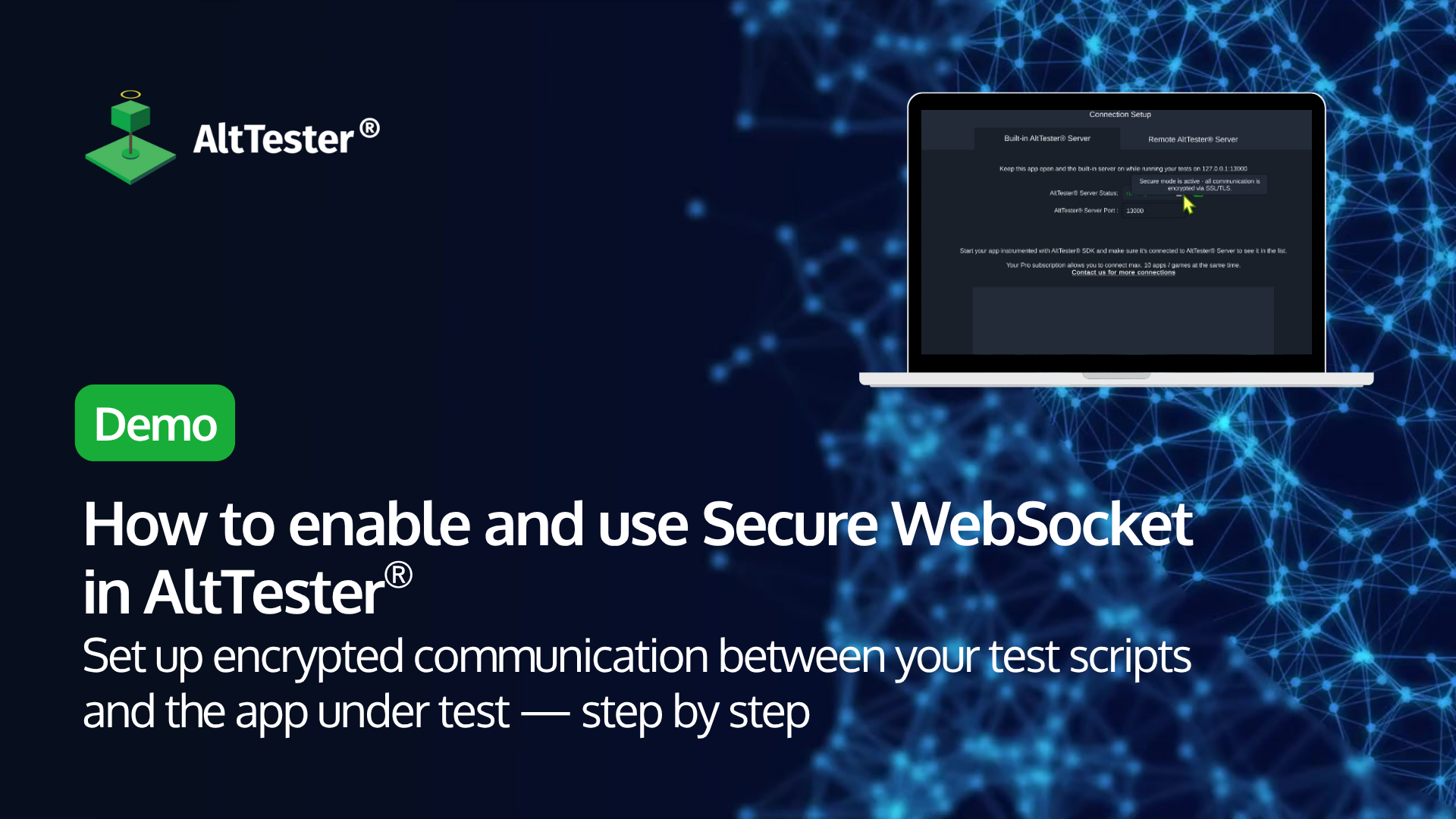
Setting up encrypted communication in AltTester® with Secure WebSocket
In this tutorial, we walk you through how to enable Secure Mode using Secure WebSocket (WSS) in AltTester® — so your test communication stays encrypted from end to end.

In this tutorial, we walk you through how to enable Secure Mode using Secure WebSocket (WSS) in AltTester® — so your test communication stays encrypted from end to end.

Running tests from the Recorder is a new feature that was introduced in AltTester® Desktop in version 2.1.2. It allows users to replay the test previously recorded directly from the app. In this tutorial, we will walk you through the process of recording and then running a test directly in AltTester® Desktop, which will help you streamline the testing work on your game development project.


In this tutorial, we present to you a step-by-step guide on how to use our new AltTester® Library developed for Robot Framework. Prerequisites for this tutorial What is AltTester Library? What you’ll learn Check the full tutorial below.


In this tutorial, we’ll guide you through the process of running tests in parallel using AltTester®, a powerful technique to accelerate your testing workflow. With the 2.1 release, AltTester® now facilitates the connection of multiple apps using AltTester® Desktop, through the AltTester® Server. This advancement unlocks the capability to run tests concurrently on multiple devices, … read more


If you are interested in running automated tests using AltTester® Unity SDK on WebGL app under various browsers on BrowserStack cloud service, take a look at this article. We have prepared a set of instructions and steps to guide you through a successful run on BrowserStack Web Automate. We also offer an example repository for better understanding the presented steps.

Using AltTester® can be a seamless experience for those who are familiar to Appium framework, thanks to the multiple similarities they share.

In this tutorial, we’ll guide you through the process of recording tests for your game in AltTester® Desktop, using BrowserStack cloud devices.


In this tutorial, we’ll guide you through the process of instrumenting your game using the AltTester® Unity SDK v2.0, specifically tailored for a Windows Standalone build.


This article focuses on showing the setup we did in order to integrate Appium and execute C# tests on Android and iOS devices from BitBar Server-Side.

In this tutorial, we’ll walk you through the process of creating and executing your first C# test using AltTester®, on an iOS device.